 Kitchen AI
Design your kitchen with AI and see it in your own room
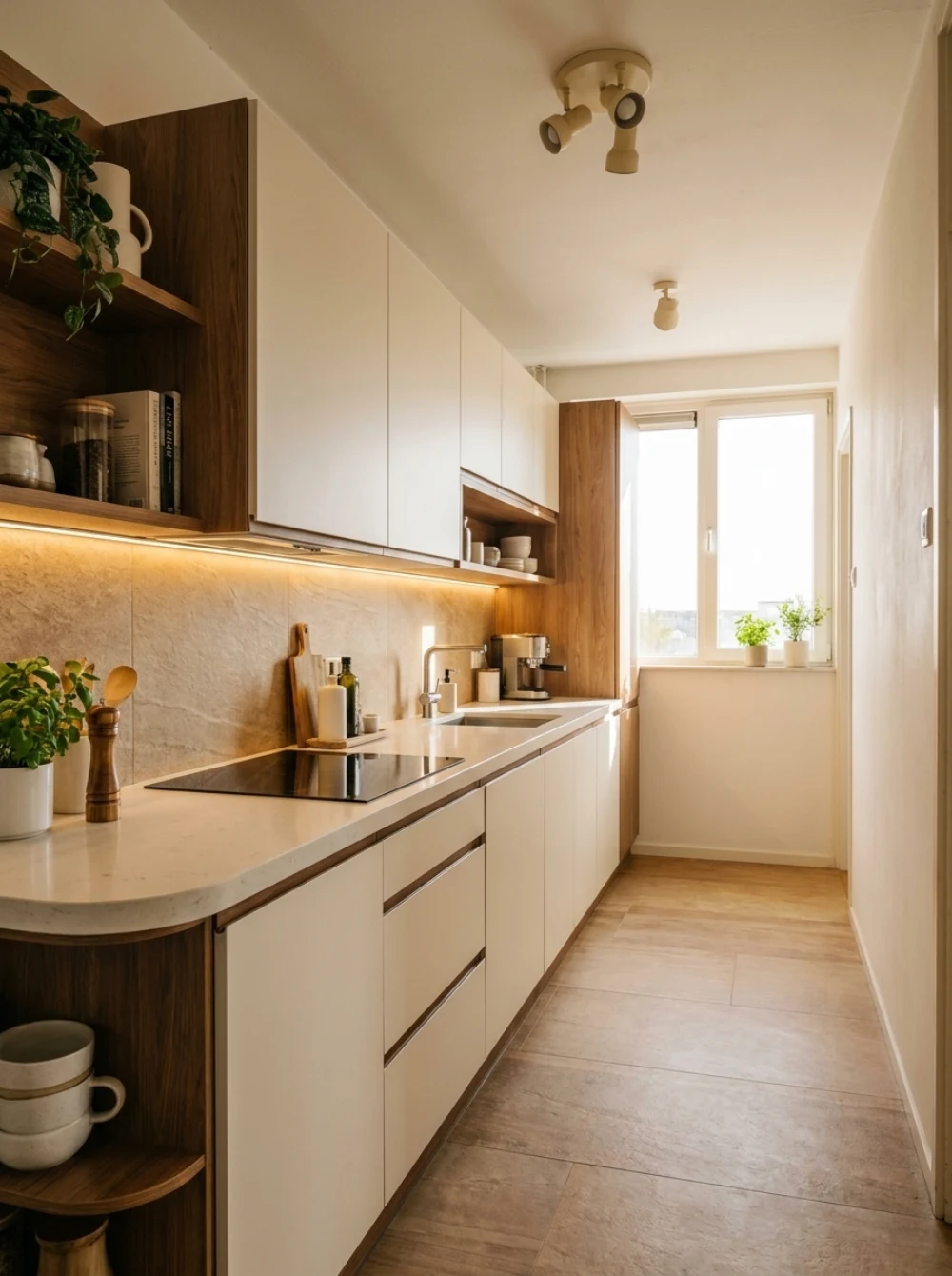
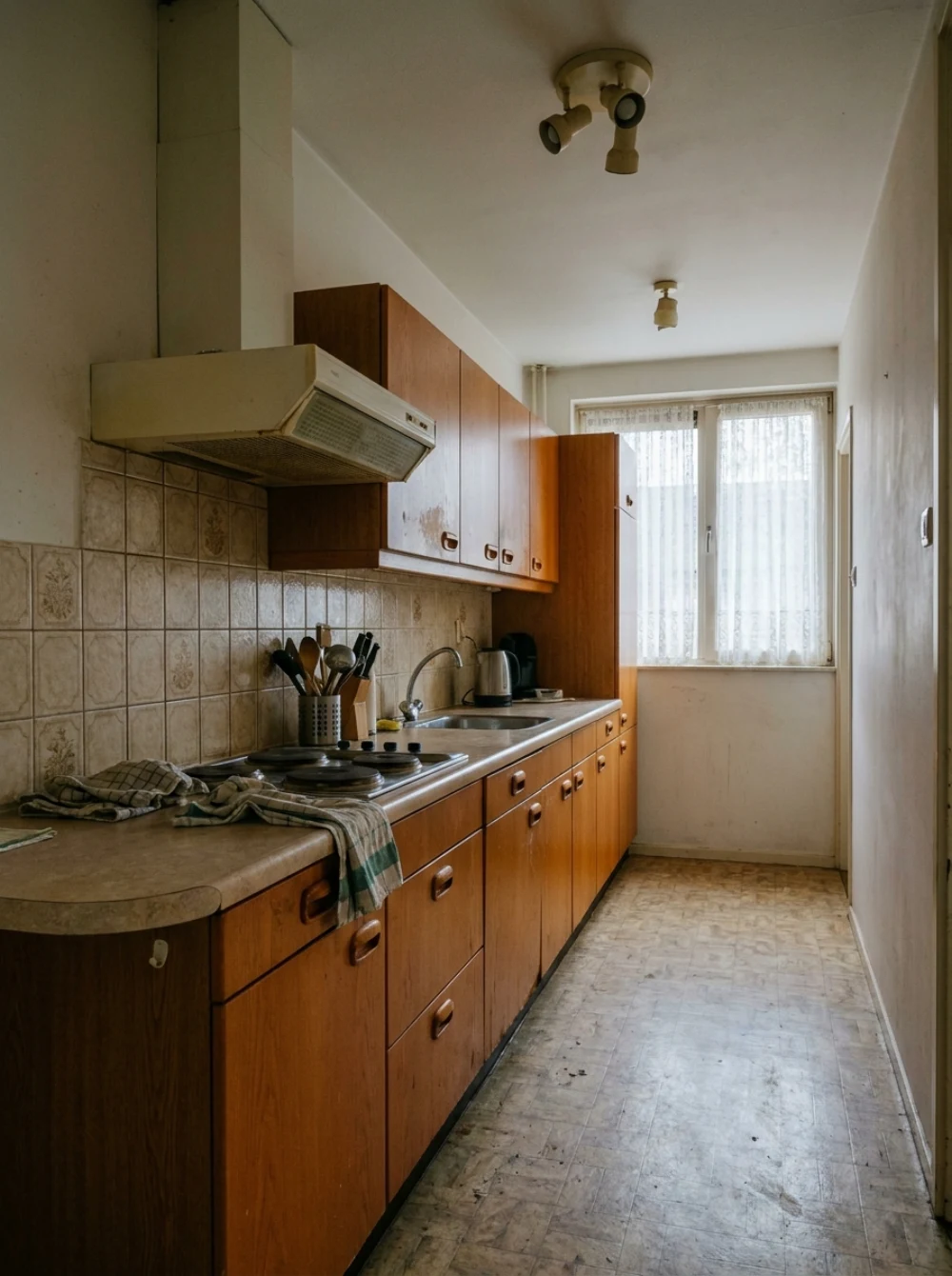
Take a photo of your kitchen and see how a new one looks in seconds. Try endless styles, colours and materials, in your own room instead of a showroom.

Free to try. No account needed.
How it works
From photo to new kitchen in seconds
- 1
Take a photo of your kitchen
Photograph your current kitchen or an empty room. That is all the app needs to start.
- 2
Build your kitchen
Pick cabinet fronts, countertop, backsplash and flooring, or copy a reference kitchen you like.
- 3
See the result
Your new kitchen appears photorealistically in your own room, with your layout and your light.
One photo
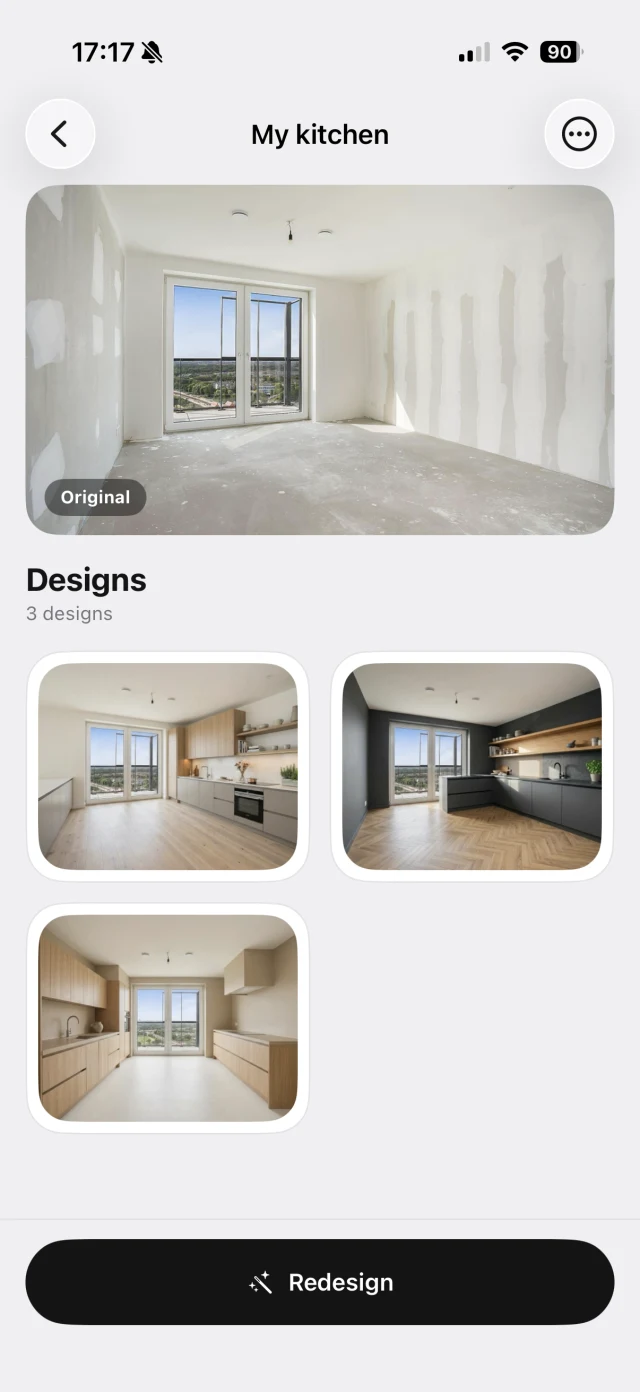
One empty room, three finished kitchens
Only the photo below went in: a bare new-build room with no kitchen at all. What came out are three finished kitchens, with the same walls, the same window and the same light.
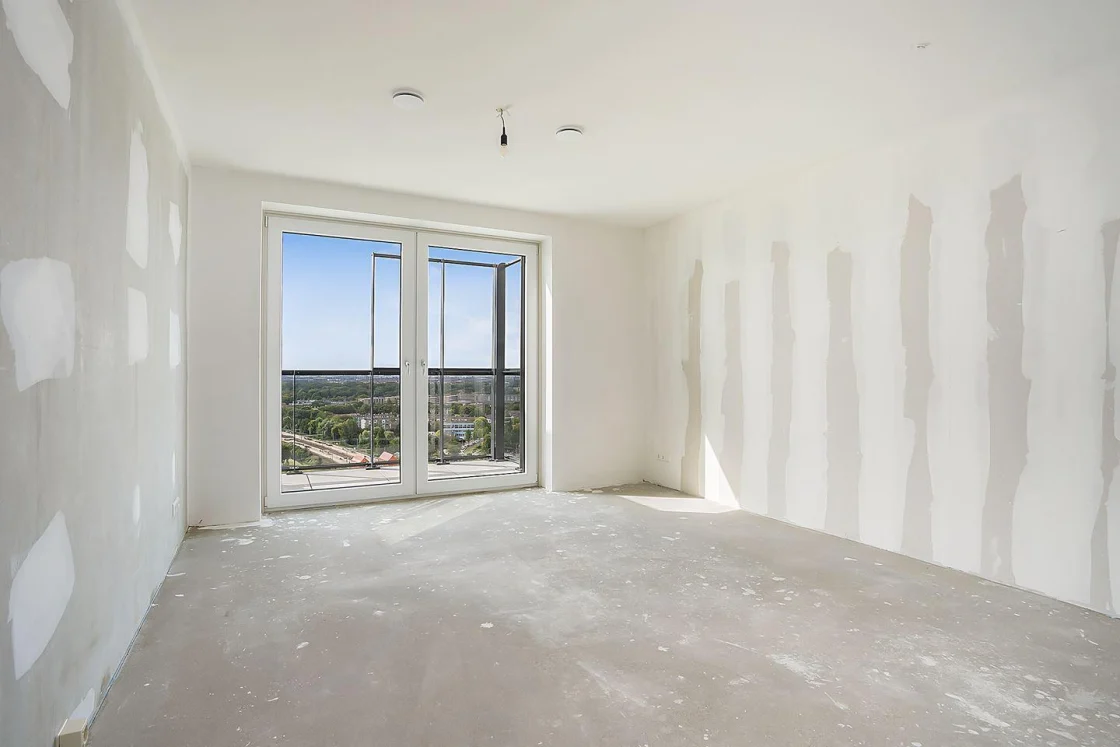
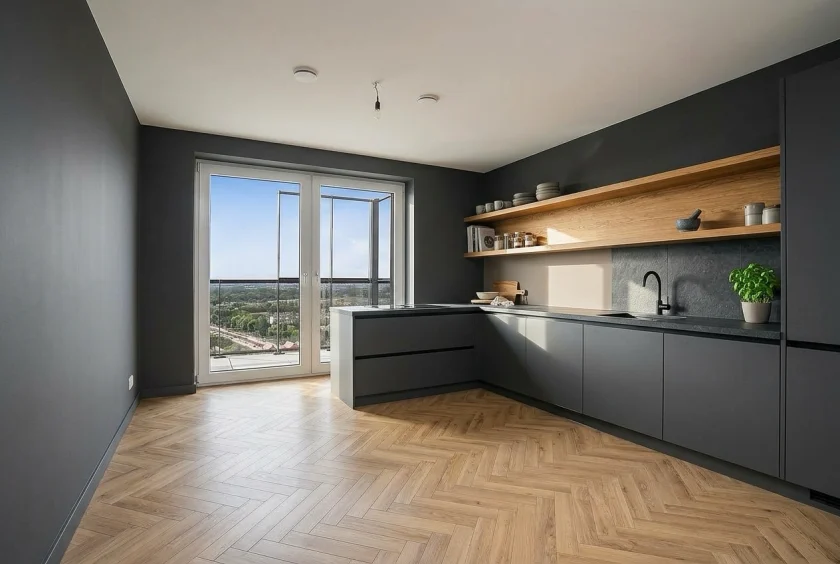
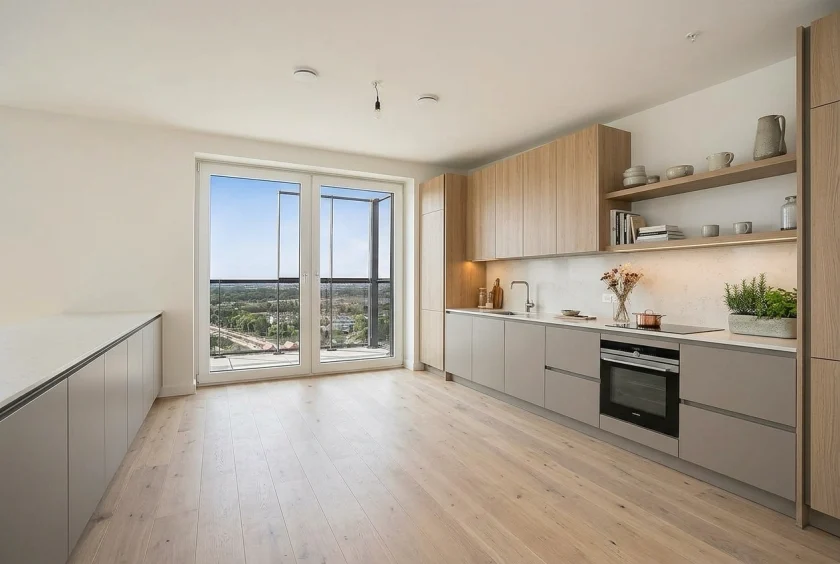
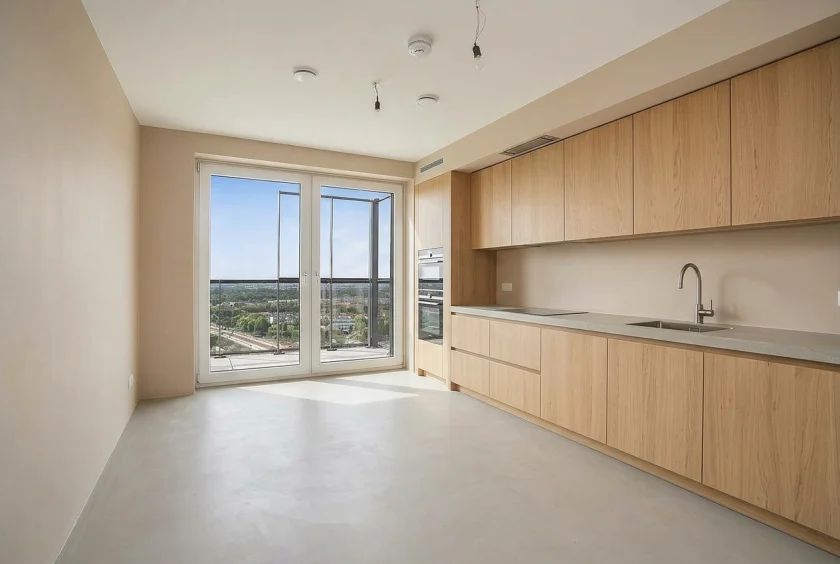
Same room, different fronts, different countertop, different floor. That is how you compare directions before committing to anything.
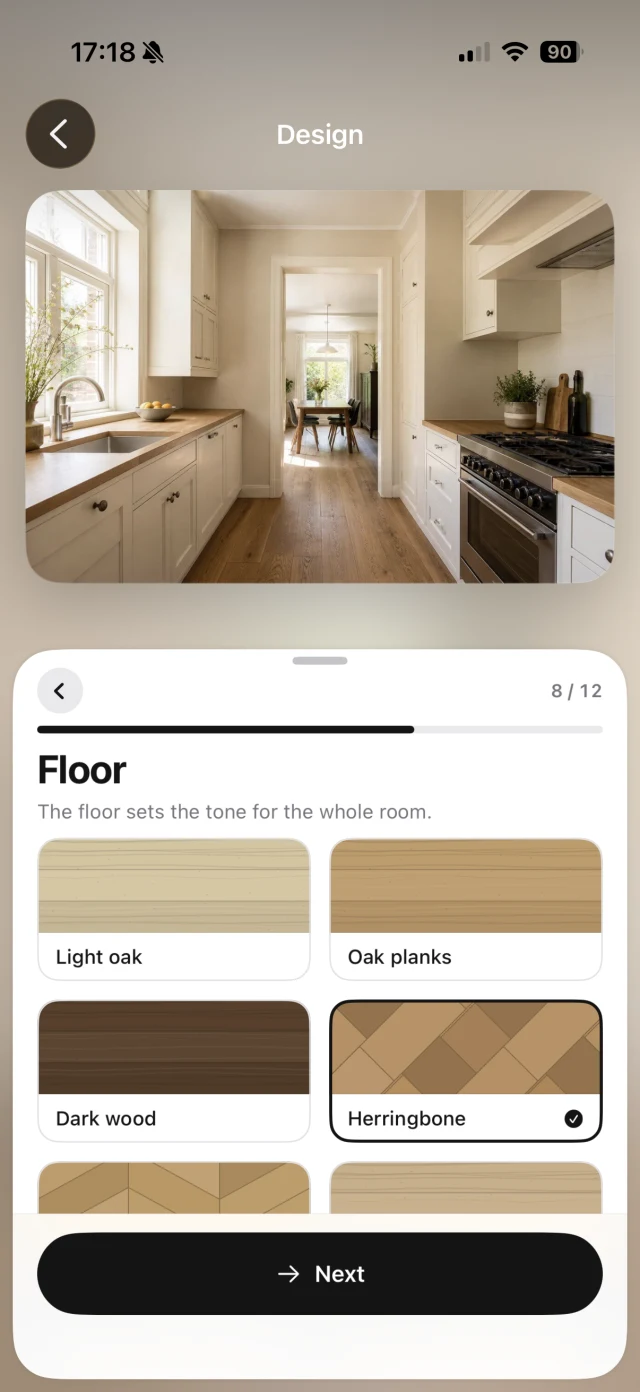
Build it yourself
Compose your kitchen, down to the detail
Pick cabinet fronts, countertop, backsplash and flooring. Dozens of materials, colours and finishes, from matt lacquer to oak veneer and natural stone, exactly the way you want it and visible in your own room right away.
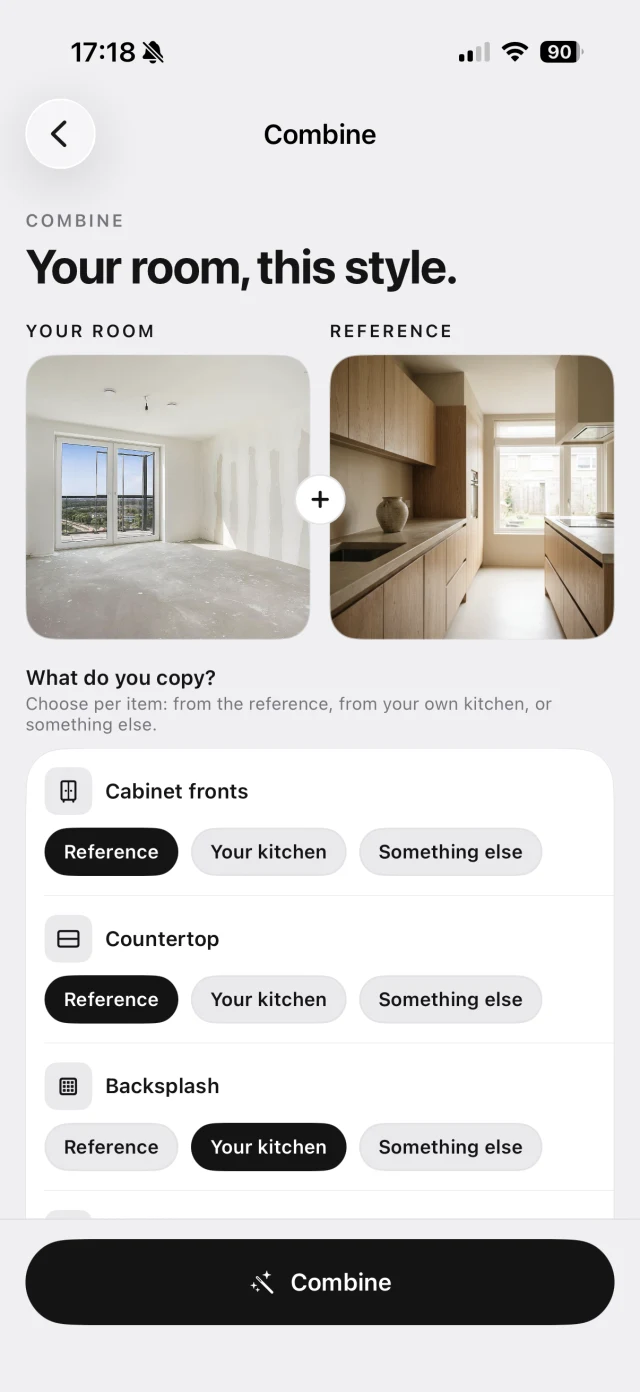
Copy a reference
Copy a kitchen you like
Seen a kitchen online or in a showroom that speaks to you? Upload the photo and choose per element what you take over: the cabinet fronts, the countertop, the backsplash or all of it. That look then lands in your room.
All in one place
Save, compare and share your designs
All your designs are kept together in your own kitchen. Compare the variants side by side and share your favourite with your partner, your contractor or your kitchen designer.
What people use it for
Know how it turns out before you spend anything
You choose a kitchen once a decade. It helps to see it first.
Renovating your kitchen
See how a new kitchen sits in your room before you sign a quote. Compare directions and keep the decision with yourself.
A refresh without a rebuild
New cabinet fronts or a different countertop can be enough on their own. Try them separately and see whether the difference is worth it.
New build or an empty room
No kitchen yet? Photograph the empty room and see which style suits the size, the light and the rest of your home.
Prepared for the showroom
Do not walk in with loose screenshots. Bring an image of what you want, in your own room, and get straight to the real conversation.
Kitchen styles
For every style
From sleek modern to warm Japandi. Explore directions and find what fits you.
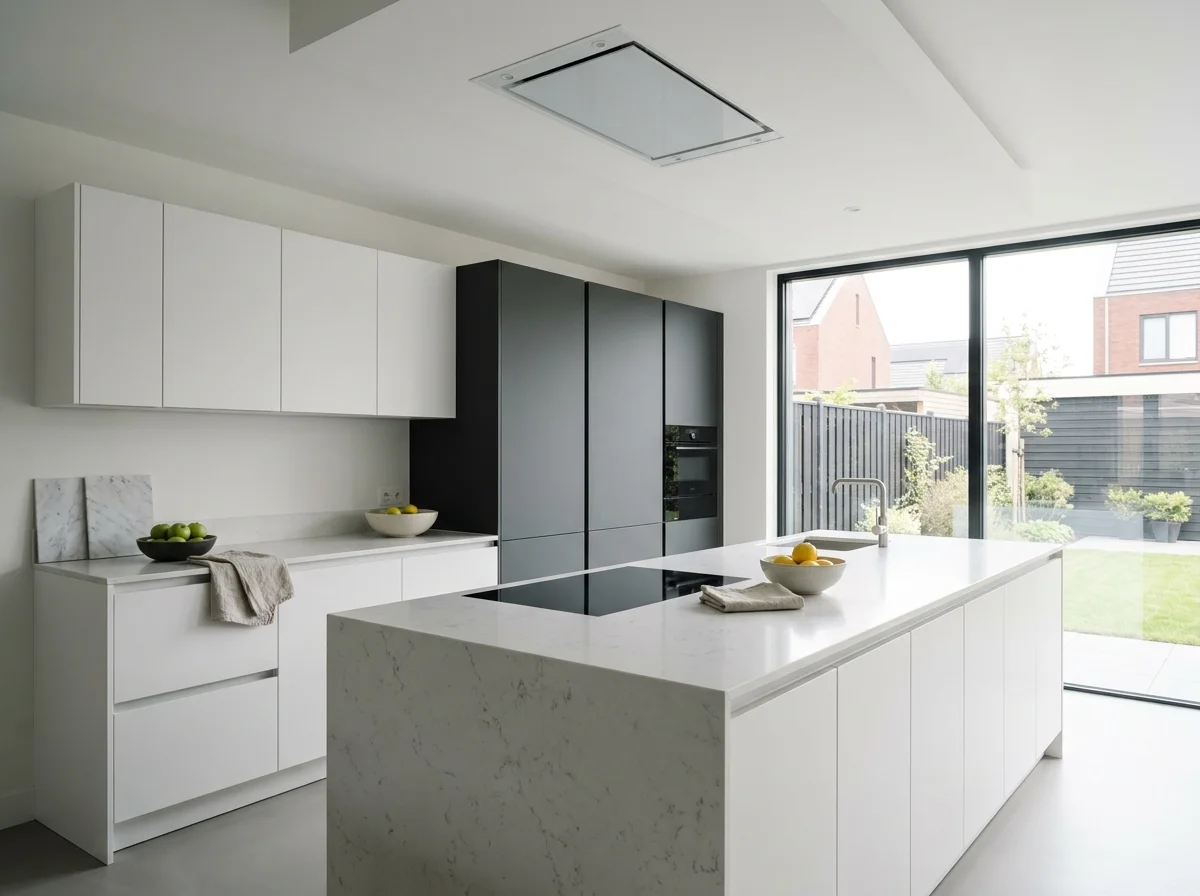 Modern
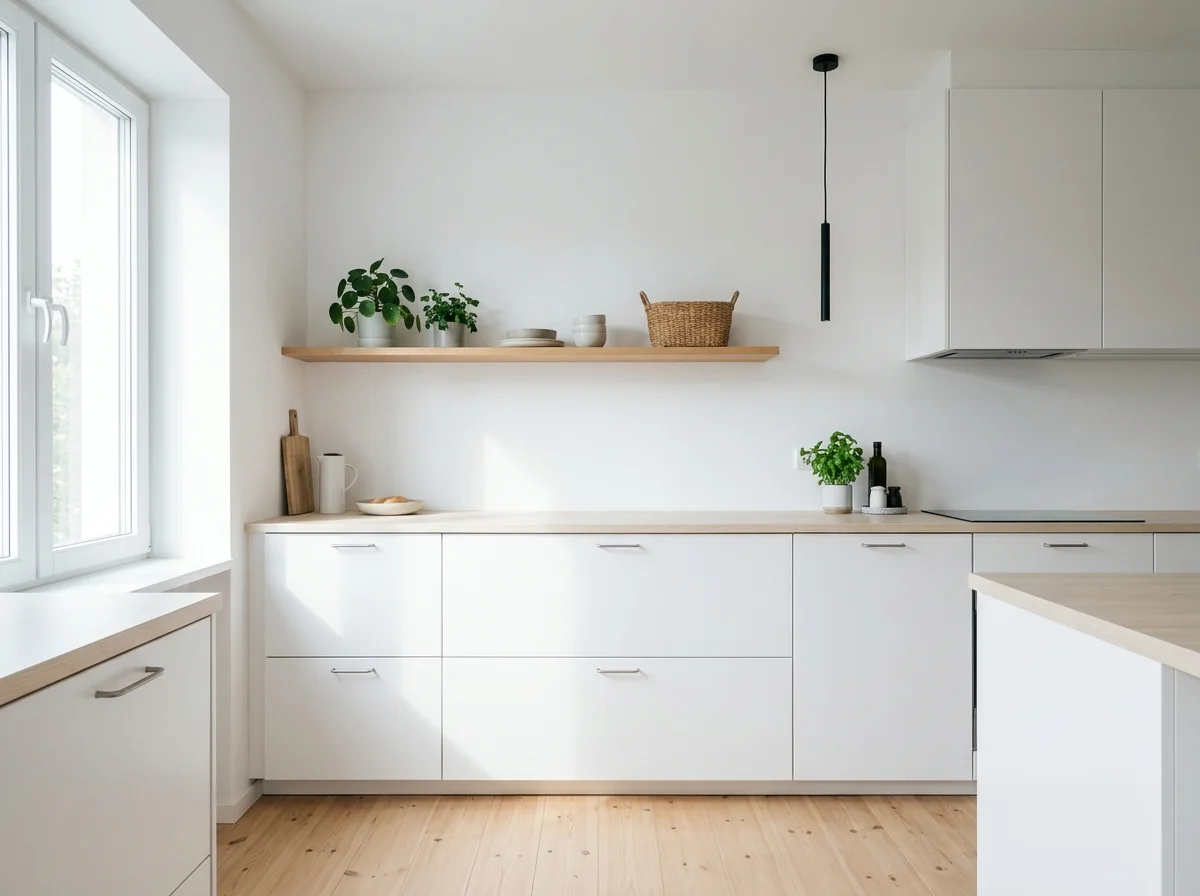 Scandinavian
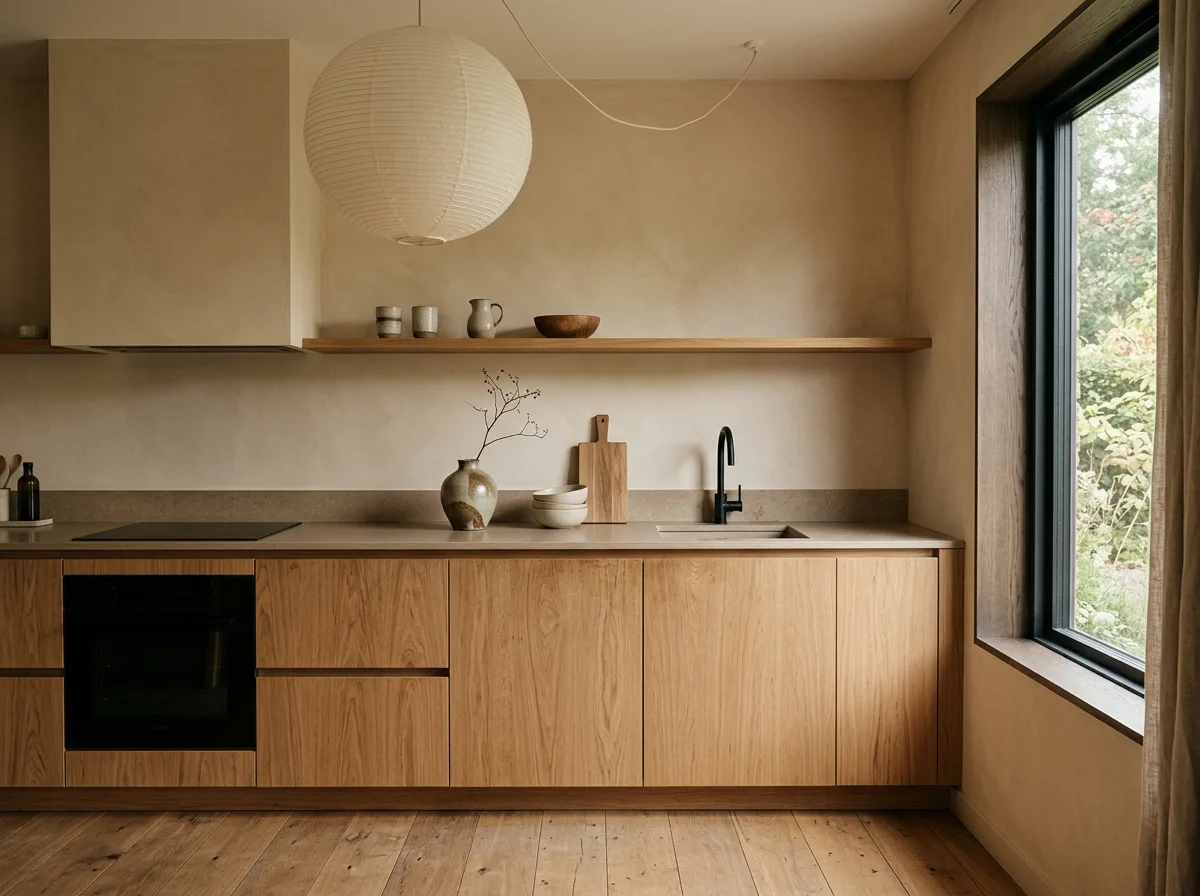 Japandi
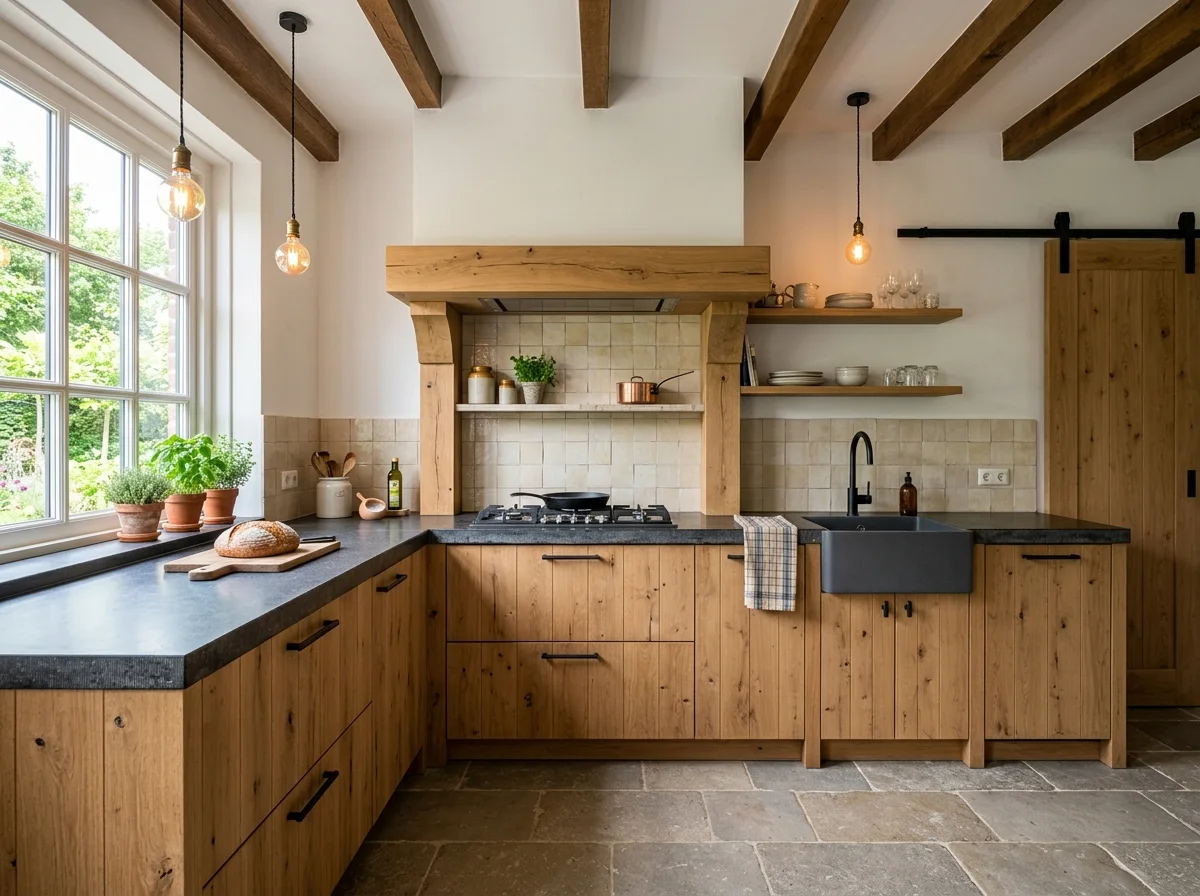 Country
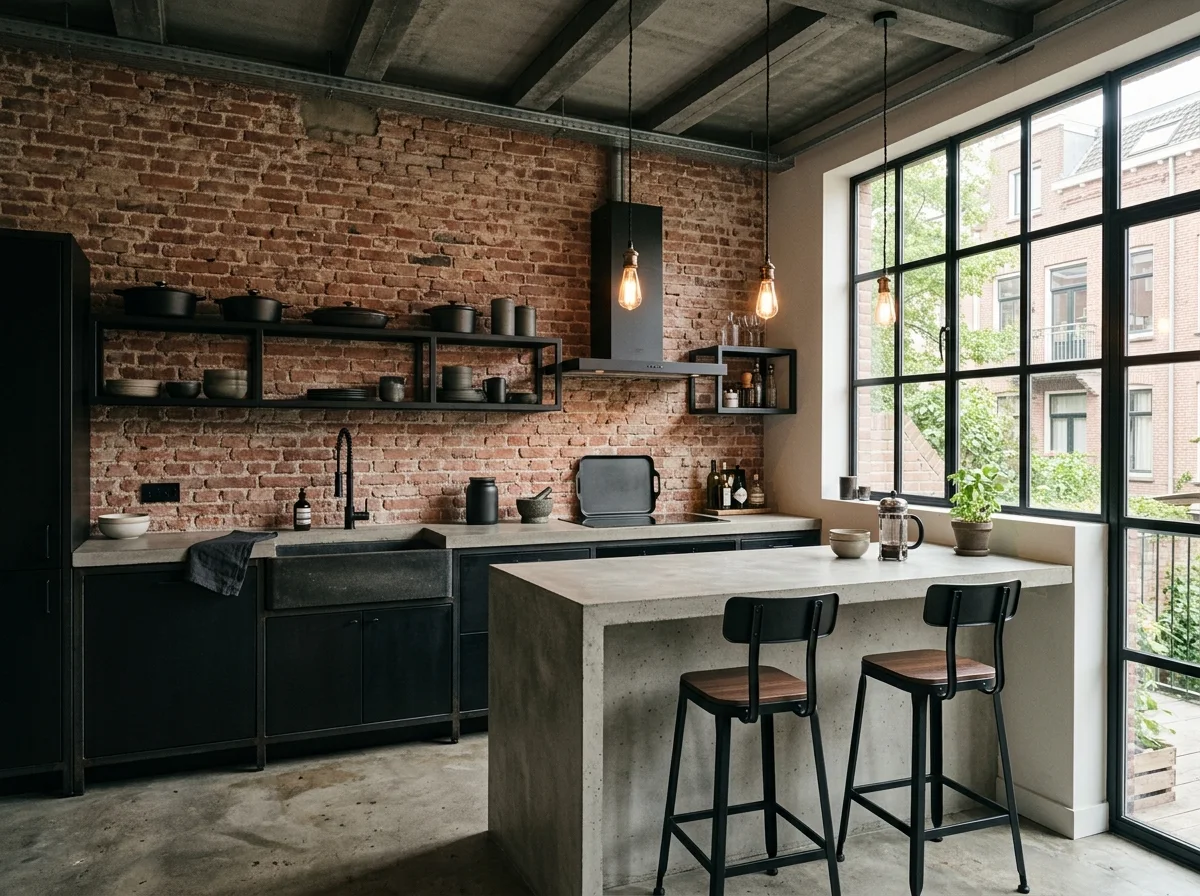 Industrial
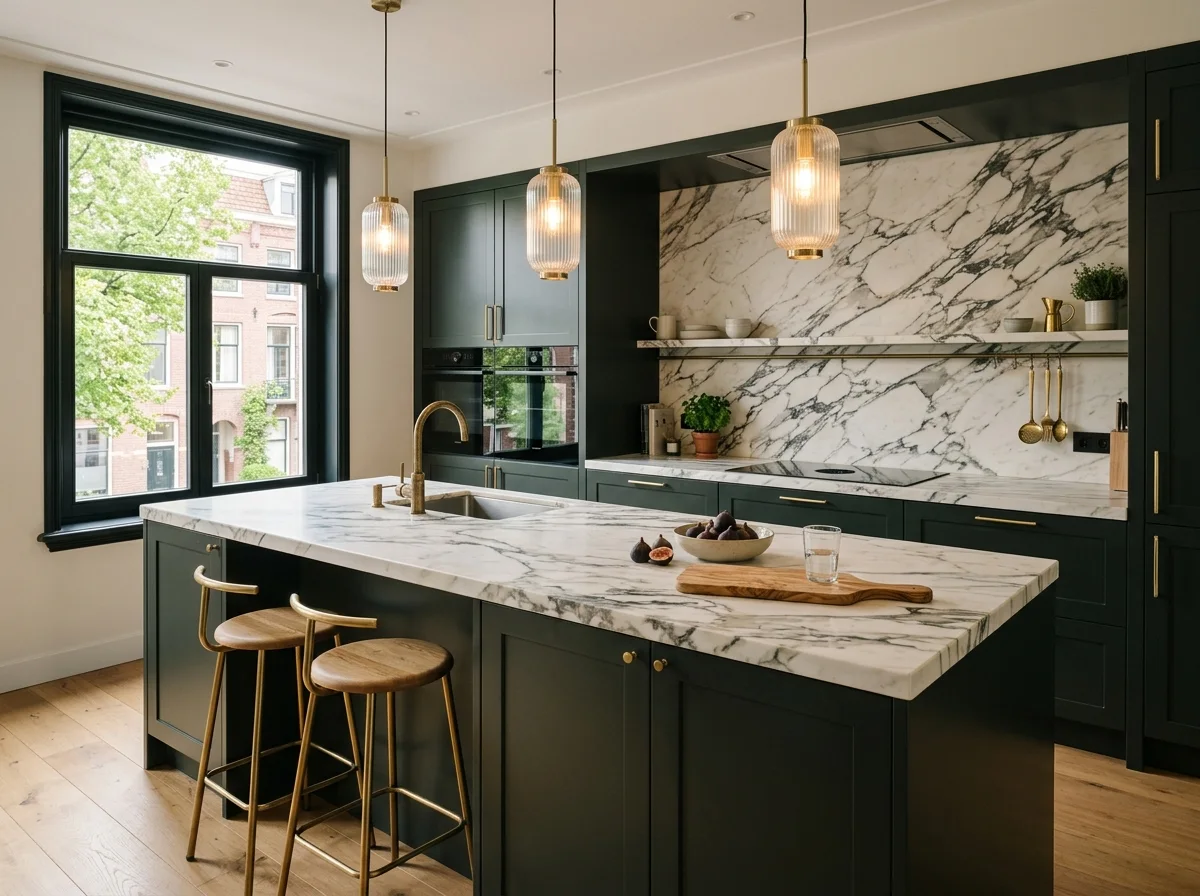 Quiet luxury
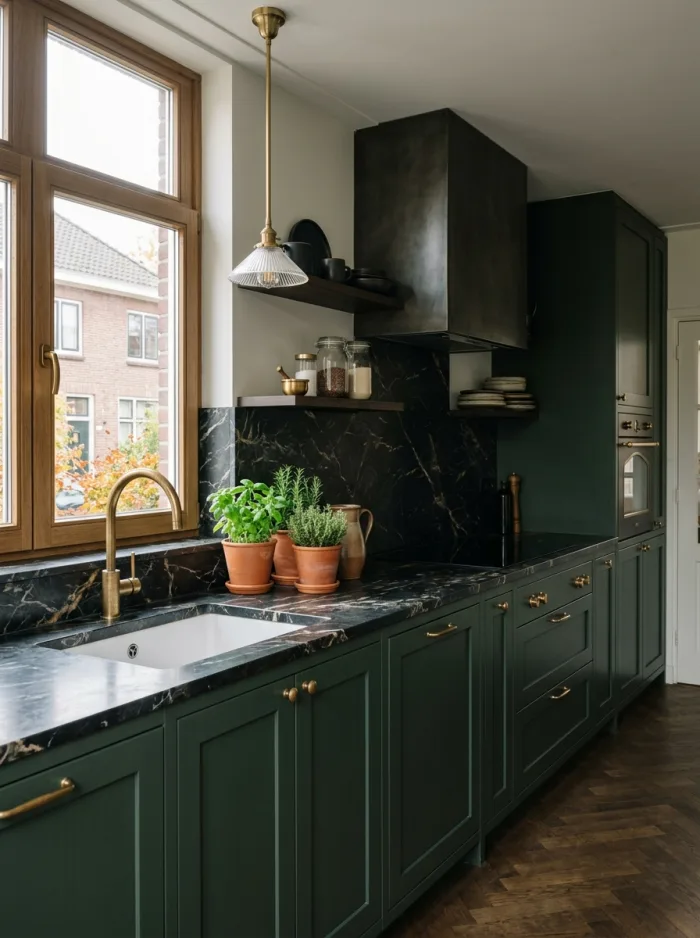
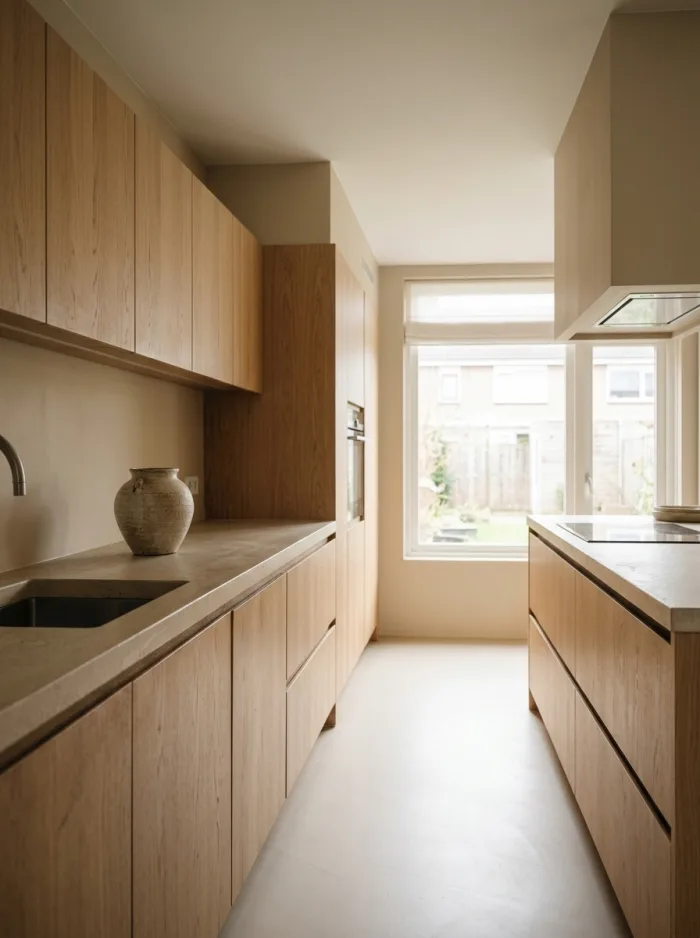
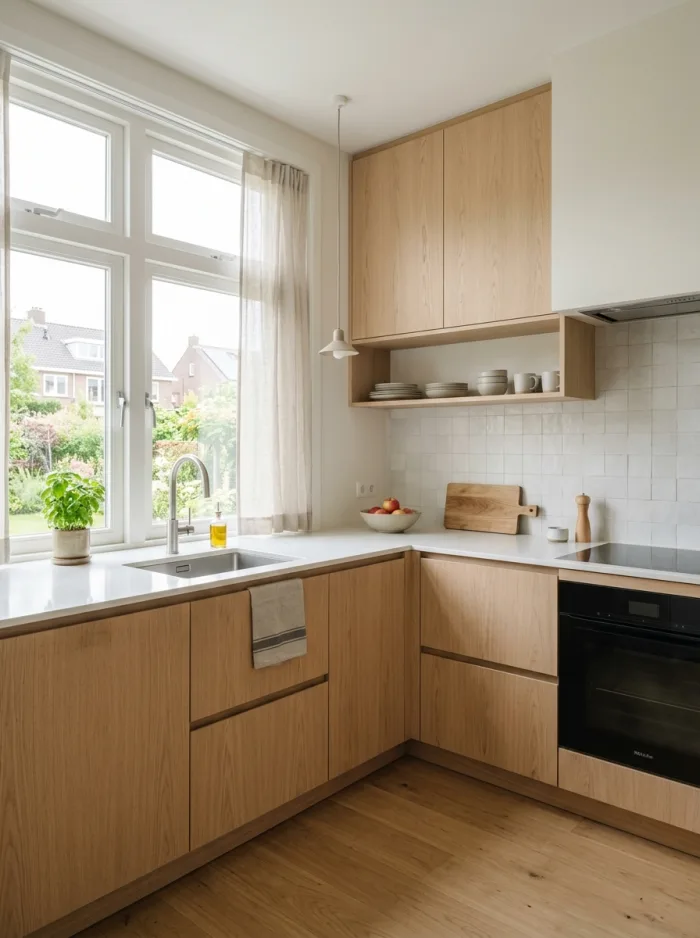
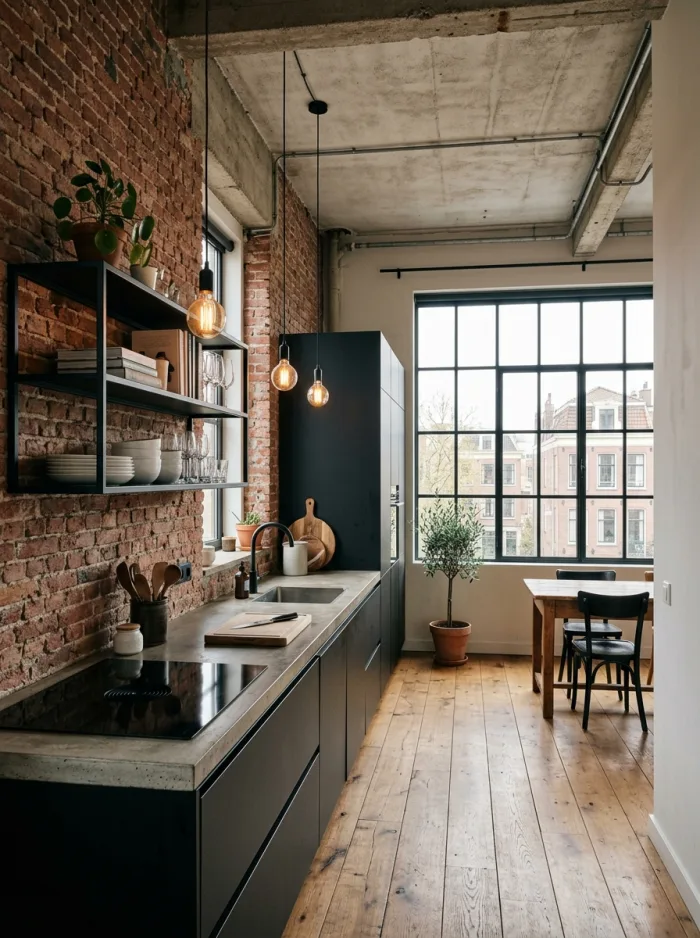
Examples
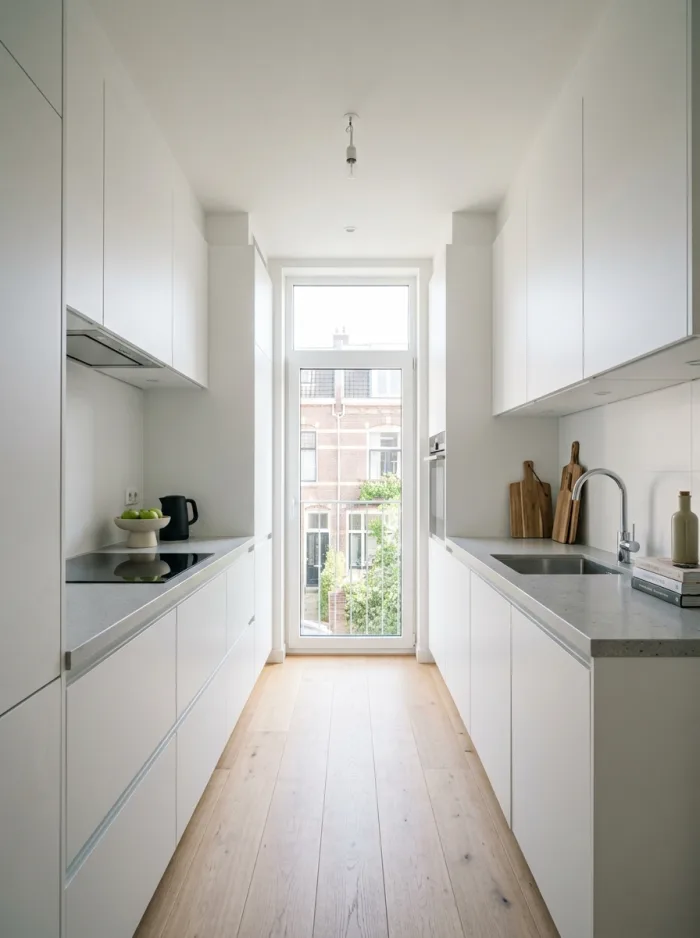
Endless possibilities
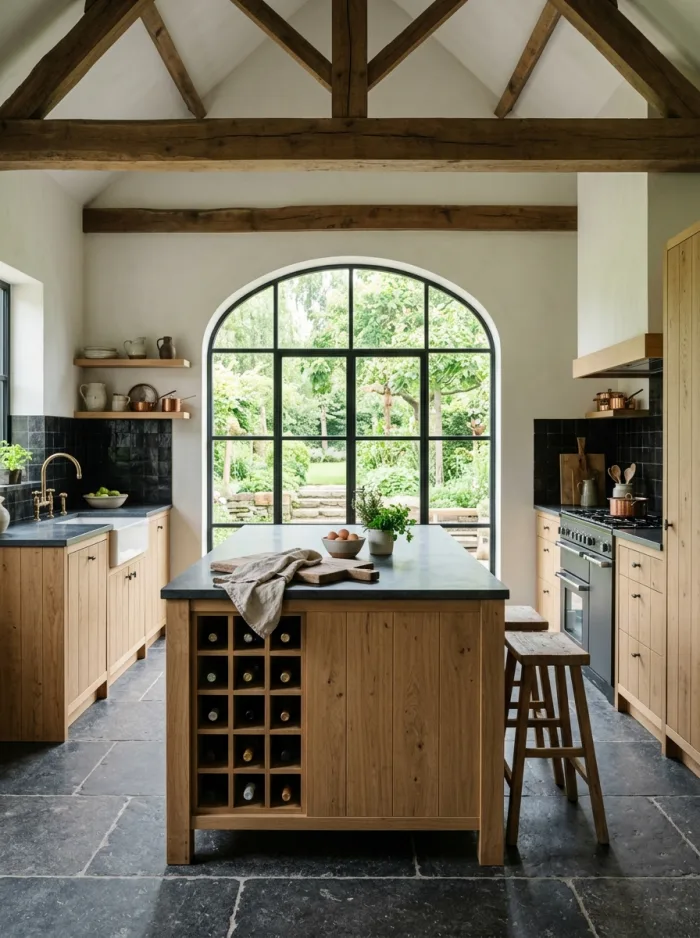
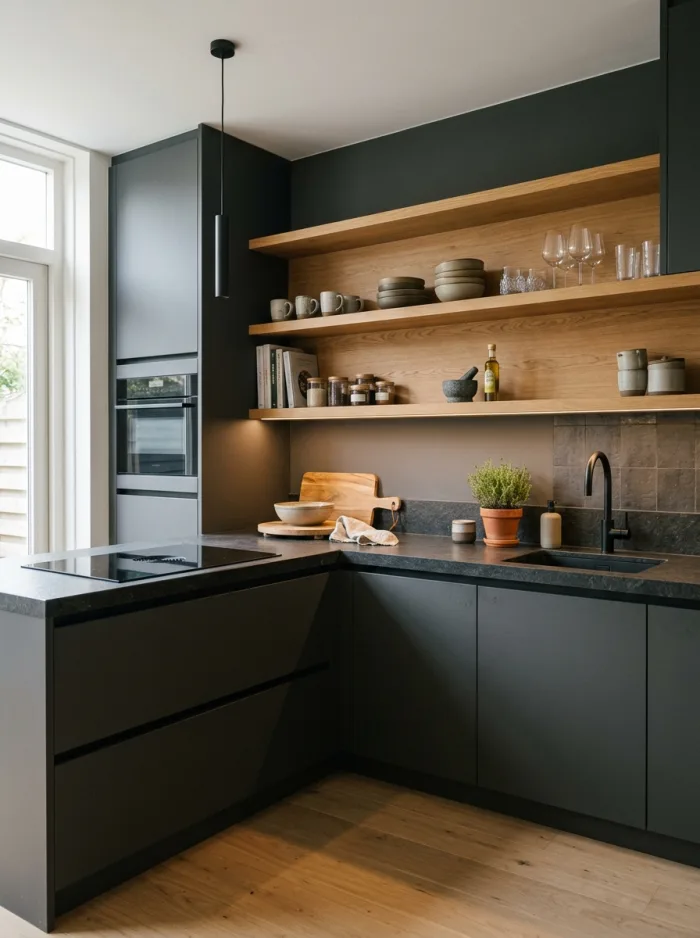
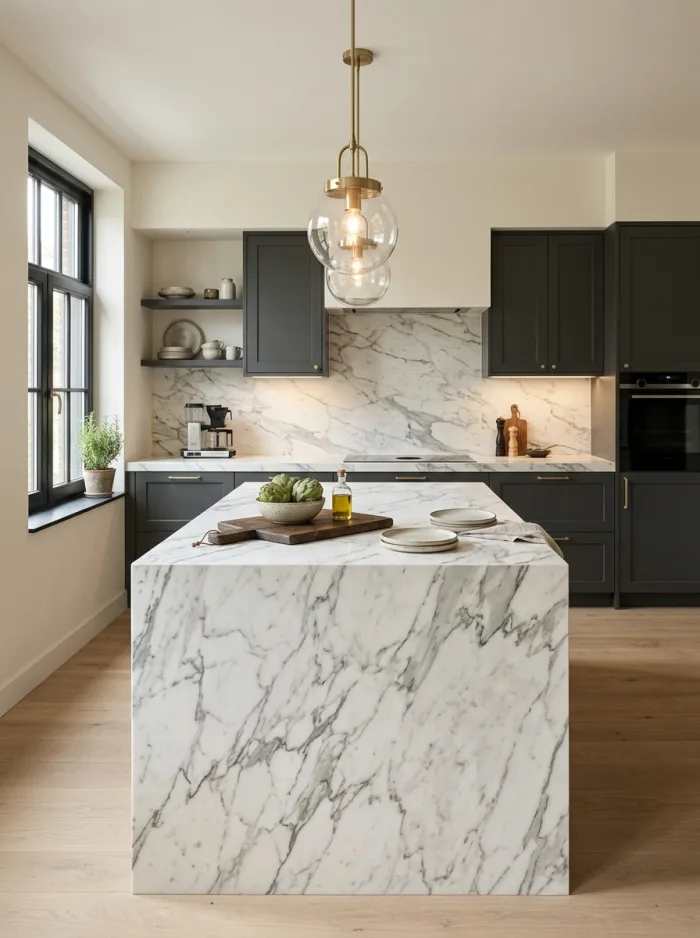
A selection of the kitchen designs Kitchen AI makes.
Frequently asked
Good to know
How does AI kitchen design from a photo work?
You take a photo of your current kitchen or an empty room. The app reads the layout and the light in that room and draws in the materials and colours you choose. You see the result within seconds, photorealistic and in your own room rather than in a showroom photo.
Is Kitchen Designer AI free?
You can try the app for free: you get a number of designs without paying and without an account. If you want to keep designing without limits after that, there is a subscription you take out in the App Store and can cancel at any time.
Will my own kitchen still be recognisable?
Yes. The app keeps the layout of your room: the position of your cabinets, windows and walls and the light coming in all stay put. Only the materials, colours and finishes change, so you get an honest picture of how it would work out in your space.
Which parts of the kitchen can I change?
Cabinet fronts, countertop, backsplash and flooring are chosen separately, from dozens of materials, colours and finishes. So you can try new fronts on their own and leave the rest as it is.
Can I copy a kitchen I saw somewhere else?
Yes. Upload a photo of a kitchen from a showroom, a brochure or the web and choose per element what you take over: the cabinet fronts, the countertop, the backsplash or all of it. That look is then applied to your own room.
What happens to my photos?
Location and camera metadata are stripped from the photo on your device before anything is sent. The photo and the result are not stored on our servers: they only exist there briefly in memory while the edit runs. Your designs live on your own device. The details are in the privacy policy.
Which kitchen styles can I try?
From sleek modern and Scandinavian to Japandi, country, industrial and quiet luxury. You are not locked into a style: you compose materials and colours per element yourself, so you can also try something that fits no category at all.
Does it work for an empty room or new build?
Yes. Photograph the empty room and the app draws a kitchen into it. Useful when you still have to choose and want to see which direction suits the space before you sit down with a kitchen retailer.
The images the app produces are AI-generated and give an impression, not a technical drawing. Read how we mark that in the AI transparency notice.
Ready to see your kitchen again?
Free to try. Download Kitchen AI and start right away.